DOCSACCESSIBILITY AND LANGUAGE PROJECTS
Choose languages for subtitles, transcripts, and closed captions
Updated 31 October 2026
EYZFlow Sign supports 29 languages for subtitles, transcription, and closed captions. Any of these languages can be used as the spoken language in a video, a subtitle target language, or a closed-caption language.
Supported languages
- English
- Dutch
- German
- French
- Spanish
- Italian
- Portuguese
- Polish
- Russian
- Ukrainian
- Swedish
- Danish
- Norwegian
- Finnish
- Czech
- Slovak
- Hungarian
- Romanian
- Greek
- Turkish
- Arabic
- Hebrew
- Hindi
- Japanese
- Korean
- Chinese
- Indonesian
- Thai
- Vietnamese
Set the languages for a project
On the Language settings step when creating a subtitles or transcription project:
- Select the Source language—the language spoken in the video.
- Select one or more Target languages.
- If a target is the same as the source, the project produces a transcript.
- If a target differs from the source, the project produces translated subtitles.
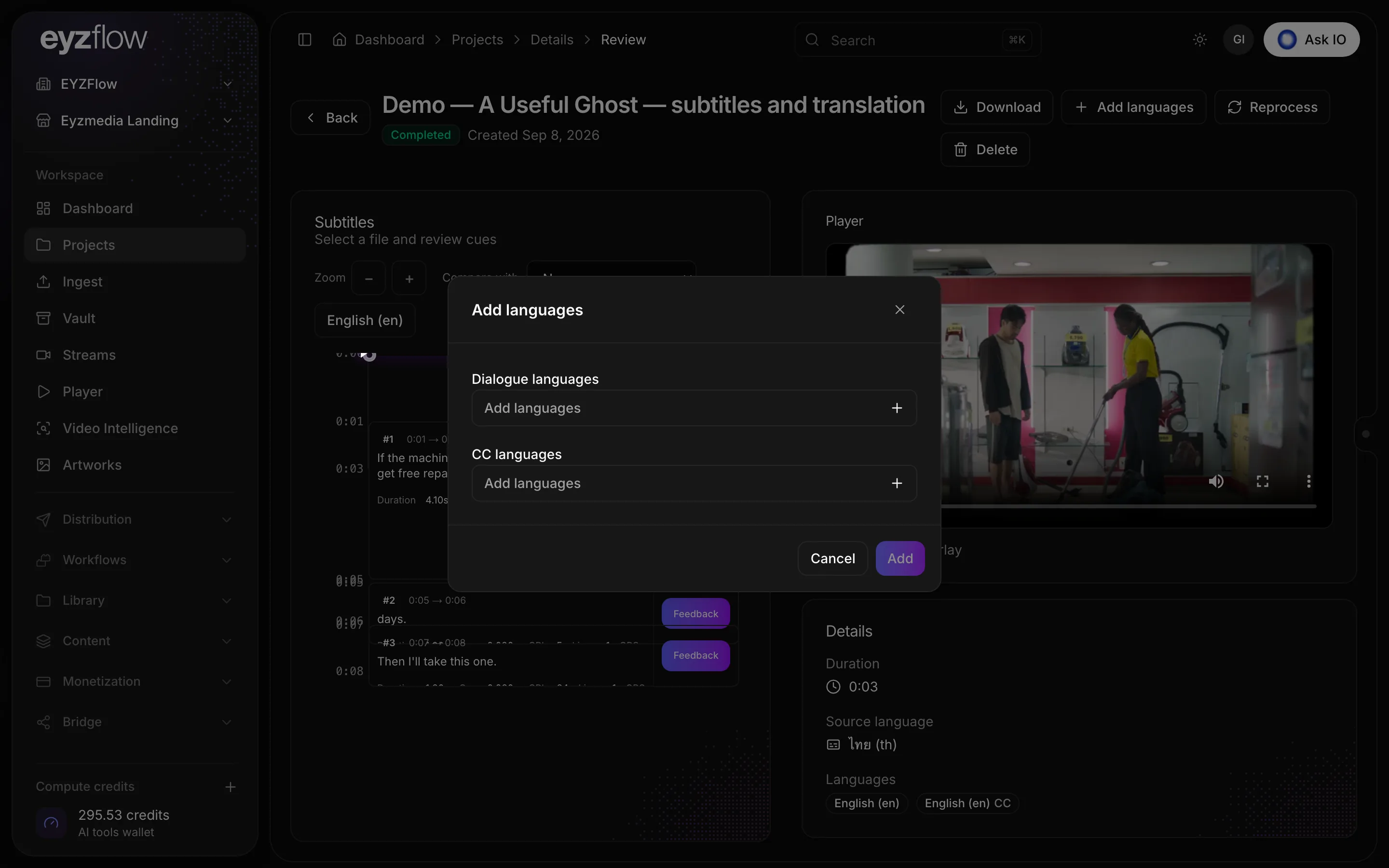
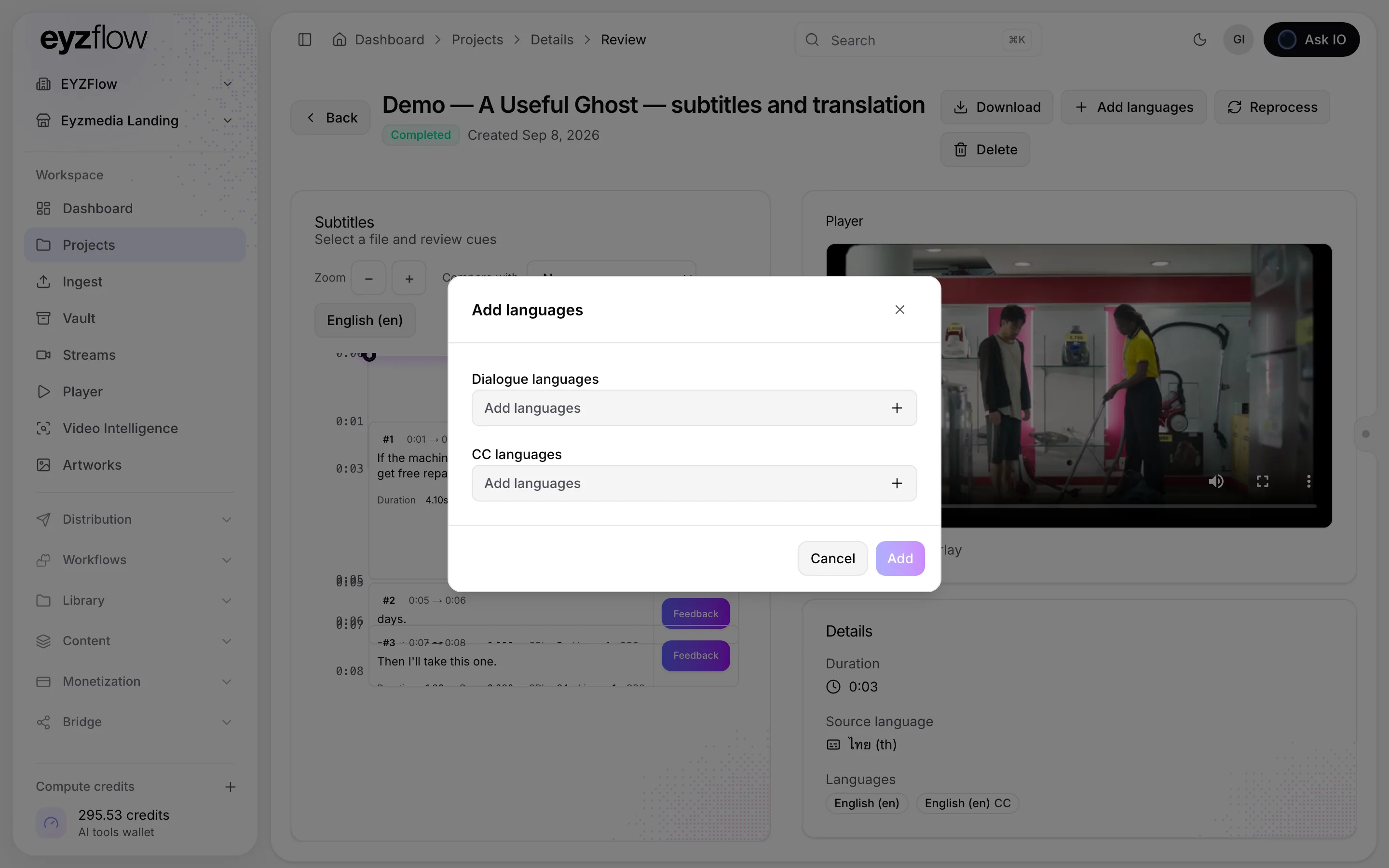
- To create closed captions, select Closed captions (CC) and choose one or more CC languages.
The same languages are available when you add caption languages to a completed subtitle project.
Note
Source, target, and CC languages are all selected from the same set of 29 supported languages.
Looking for a quick answer? Read the FAQ