
DOCSCMS AND CATALOGUES
Manage shared library metadata
Updated 31 October 2026
Use the Library in the sidebar to manage shared lists that titles can reuse: people, companies, genres, awards, and festivals. Each item is stored once and can be linked to multiple titles. Your plan must include the catalogues module.
Each list has a search box. Press Enter or click Search, then select a row to open and edit it.
Add a genre
- Open Genres and click New genre.
- Enter the Name and Slug.
- Optional: under Artwork, choose a Cover and Background. Storefronts show these on genre pages and rows.
- Optional: under Translations, click Add language, then enter the genre name and description in that language. Storefronts show the translated name when it matches the viewer’s language.
- Click Save.
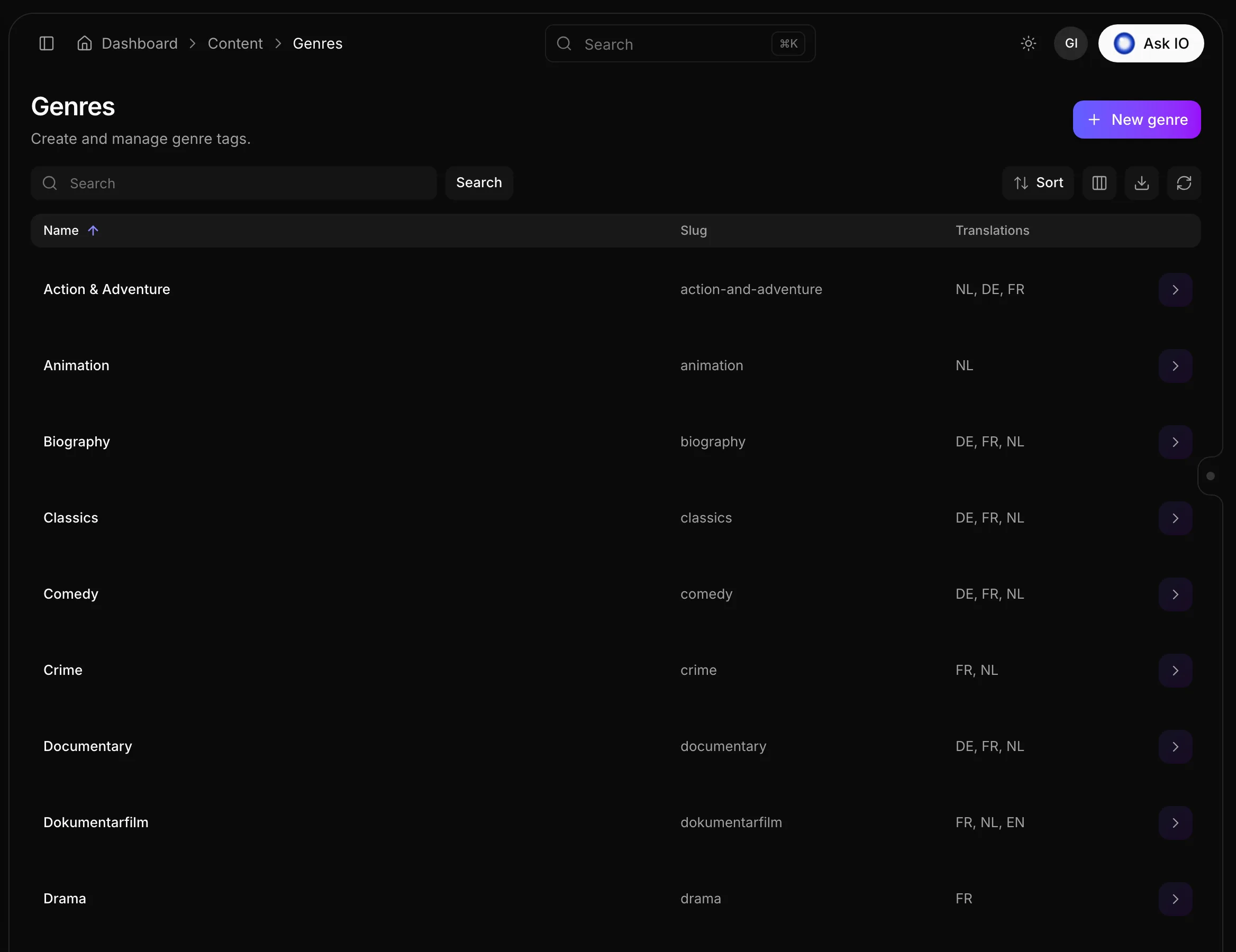
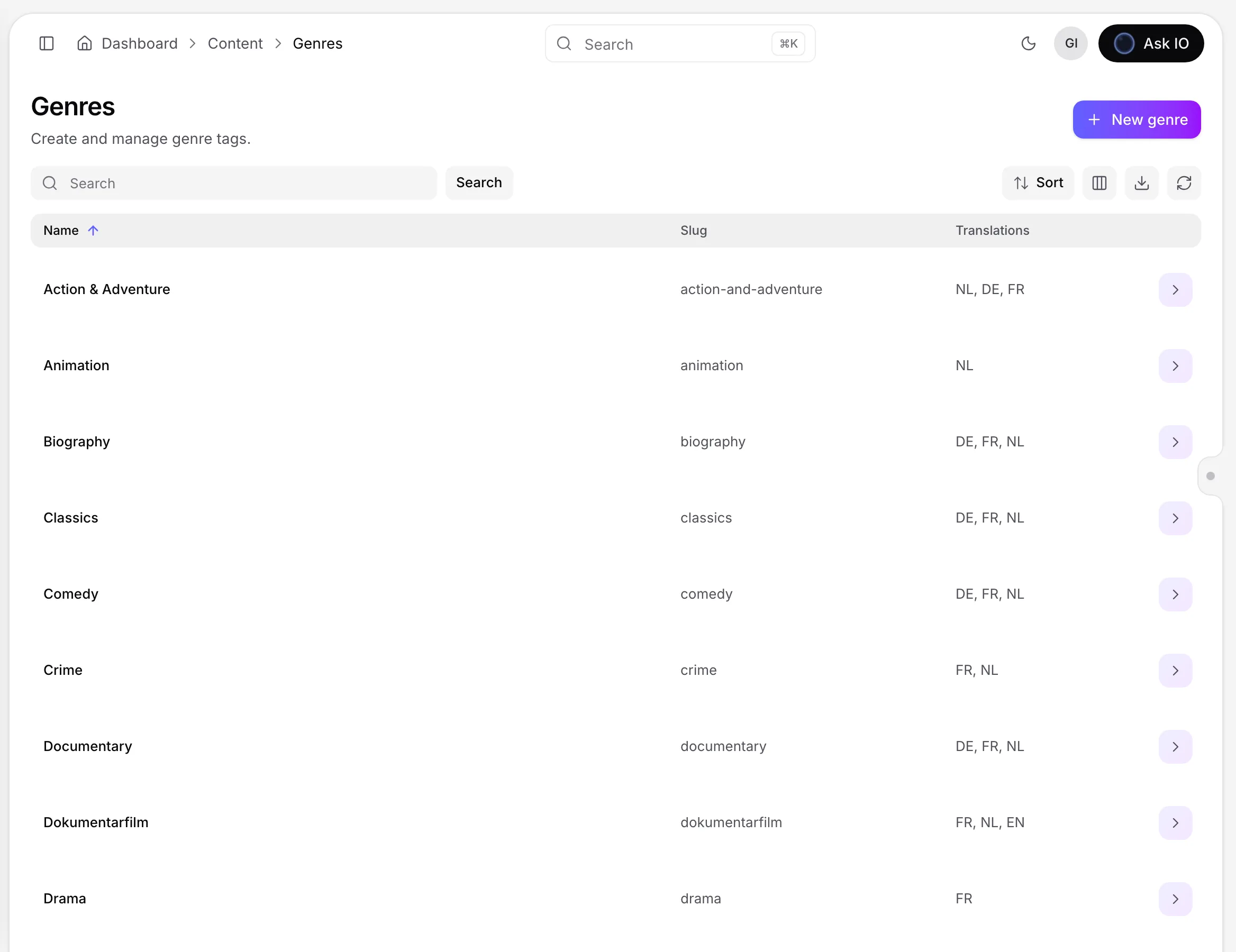
The genres list displays each genre’s name, slug, and available translation languages. Link genres to a title during the title’s Classification step or later when editing the title. For more information about title editing, see Catalogues: create and edit titles.
Add an award or festival
- Open Awards and click New award, or open Festivals and click New festival.
- Enter the Name and Slug, and optionally choose an Image.
- Click Save.
Link awards and festivals to a title in the title’s Classification section. You can also add awards to a person by opening the person and selecting Add awards.
Add a company
- Open Companies and click New company.
- Enter the Name, Slug, and Country—for example,
US—and optionally choose a Logo. - Click Save.
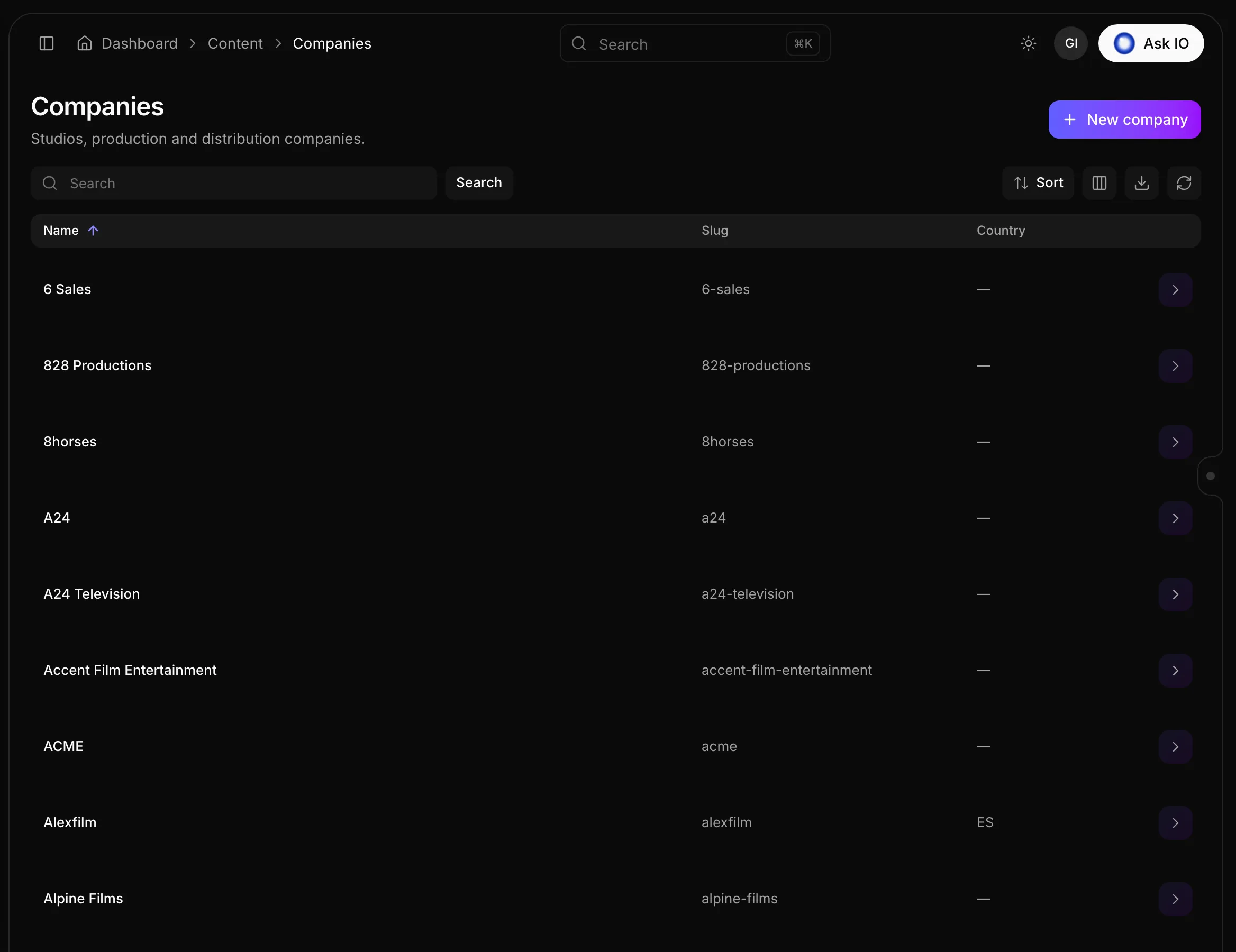
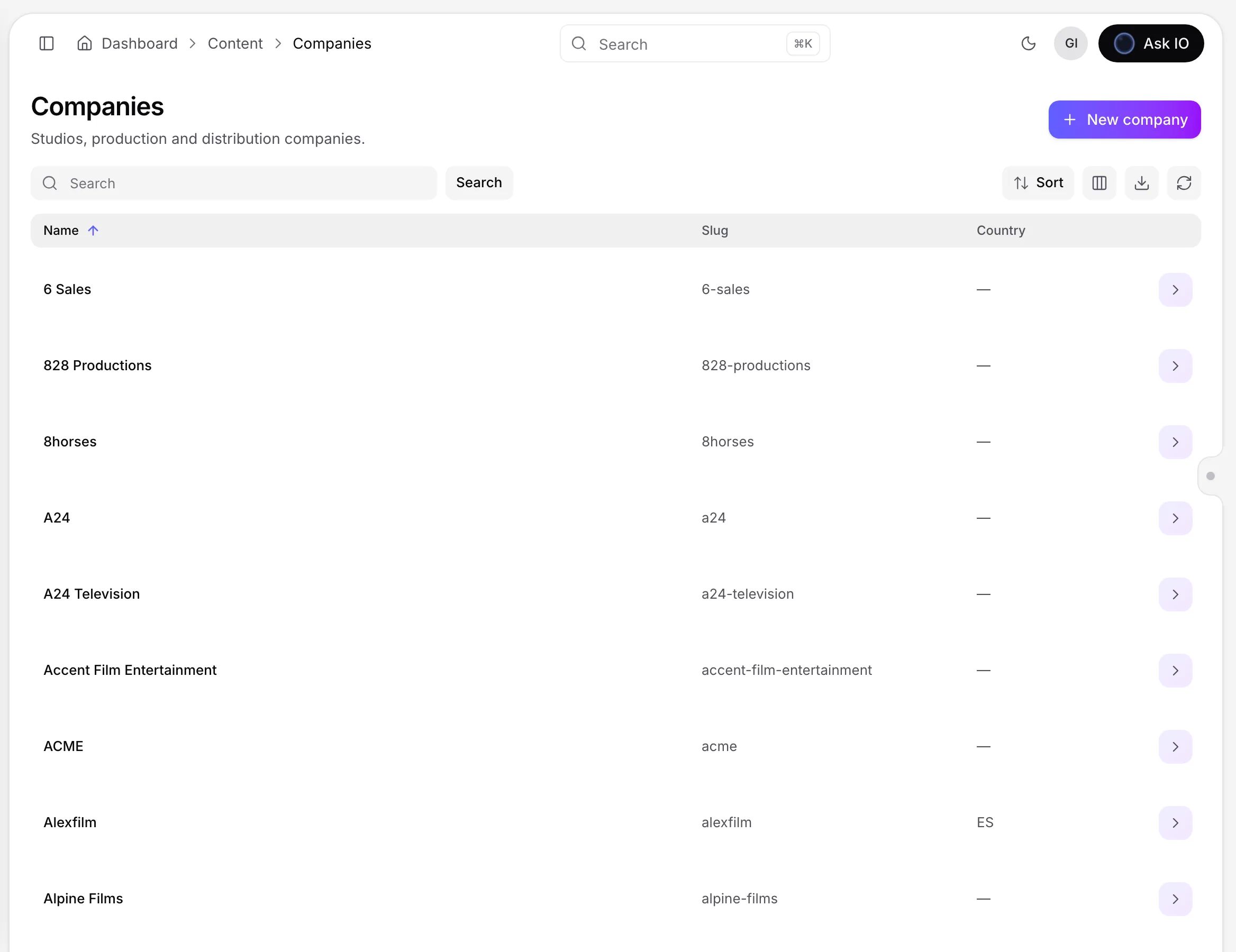
To add a company to a title, open the title’s Companies tab, click Add, enter the company name, choose its role, and click Add.
Add people to a title
People are added through titles; the People list does not have a New button.
- Open the title from Catalogues.
- Select Cast & crew, then click Add.
- Enter the person’s full name, choose a role, and click Add.
- Drag people in the list to set the order in which storefronts display them.
Use the Details icon on a person to see their role on that title. Select Open profile there to view the person’s profile.
Edit a person’s profile
- Open People and select the person.
- Under Details, edit the name, slug, birthday, passed-on date, or gender.
- Under Images, click Add image to link pictures of the person.
- Under Awards, select Add awards.
- Under Biography by language, click Add line, choose a language, and enter the biography.
- Click Save.
Looking for a quick answer? Read the FAQ