
DOCSUSING IO
Talk to EYZMedia support from IO
Updated 31 October 2026
If IO cannot solve your problem, you can send the conversation to EYZMedia support without leaving the chat. Support replies in the same IO conversation.
You need Use the Assistant (assistant.use) permission to use IO. Sending a conversation to support is separate from IO conversation consent settings: the conversation is sent to EYZMedia because you choose to send it.
Ask for support
- Open IO, such as from Ask IO in the header or Open IO in the dock.
- In the chat header, select the headset icon, Talk to a person. If IO offers the same button below an answer, you can select it there instead.
- Review the notice explaining that the conversation is sent to EYZMedia support with your name and email. Add an optional description of the issue.
- Select Send to EYZMedia's support. To dismiss the request, select Not now or ×.
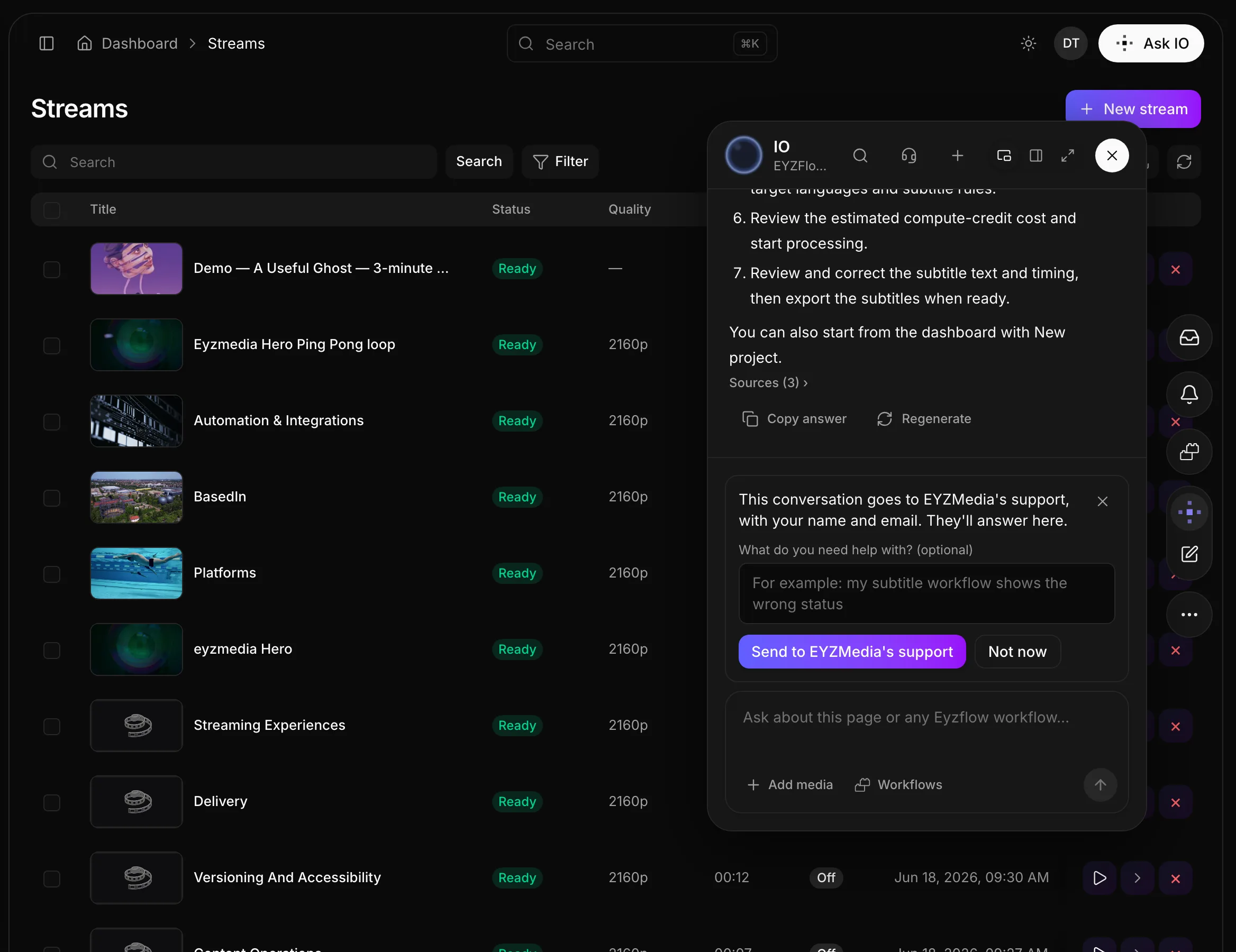
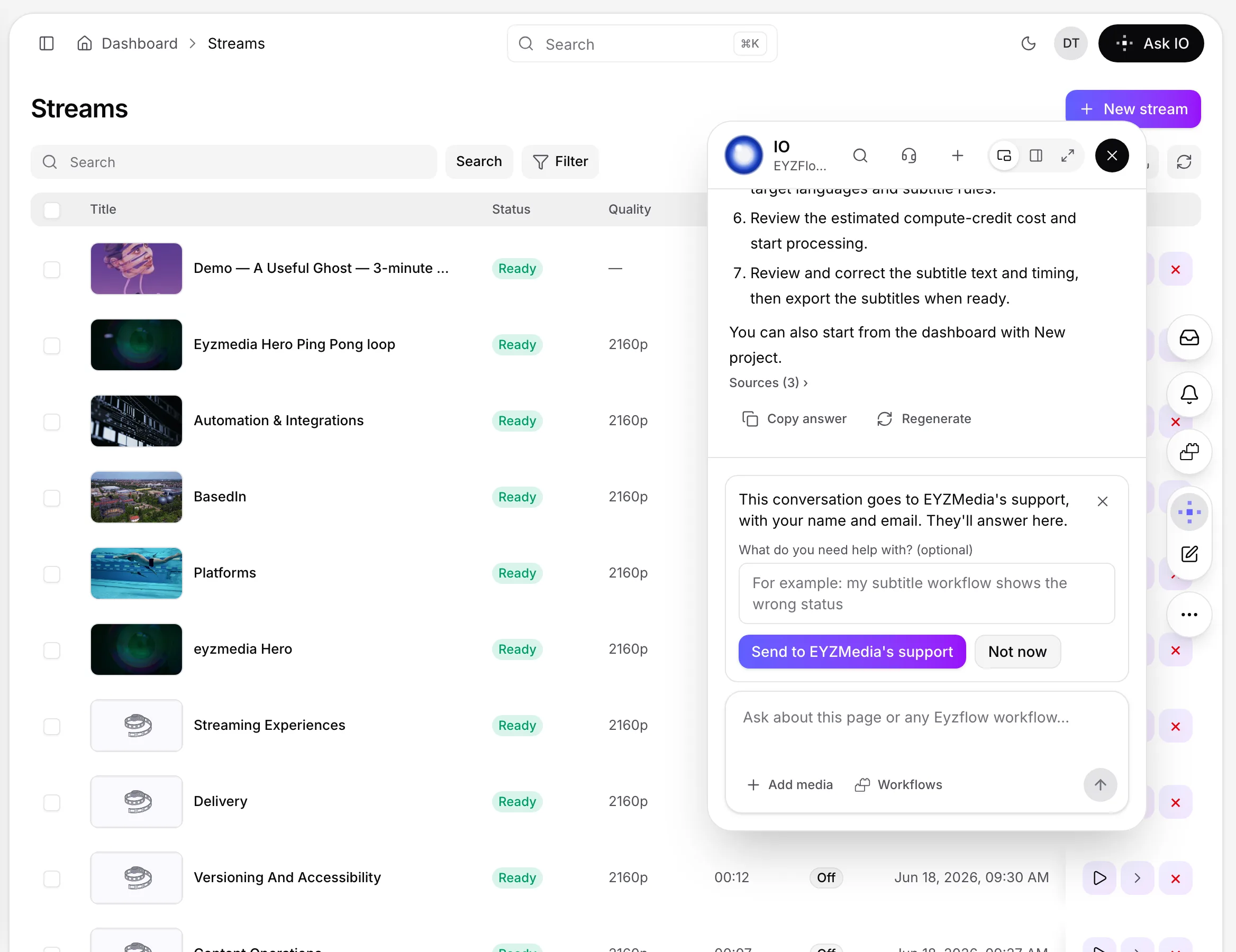
If the chat has no messages, sending the request starts the chat first.
Warning
Do not include passwords, API keys, PINs, or other secrets in your note or chat.
Manage an open request
While you wait, IO shows that EYZMedia support has received your request. A reference may appear, and the chat history records that you asked support for help.
- Select Cancel request to withdraw the request. The chat confirms that you cancelled it.
- Talk to a person is unavailable while a request is open or while a support person is in the chat.
- When support replies, you receive a notification that opens IO to the conversation on the page you are viewing.
Chat with a support person
When someone joins, the chat identifies them and the message box indicates that they are helping you. Write to them in the same message box; messages show Sent to <name> after they reach the support person.
To return the conversation to IO, select Back to IO. The chat confirms that you went back to IO. When the support person leaves, the chat indicates that as well. After the issue is resolved, EYZMedia closes the request.
If support is unavailable
- No one from support could join. Please try again later. The request ended before anyone joined. Try again later.
- Help from EYZMedia isn't available right now. Support cannot accept requests at the moment.
- Your request couldn't be sent. Please try again. or EYZMedia's support couldn't be reached. Please try again. Send the request again.
- Your request couldn't be cancelled. Please try again. Select Cancel request again.
Looking for a quick answer? Read the FAQ